Plan your wedding without
the chaos
Budget, guest list, seating chart, checklist, vendors and RSVPs — all in one place, built for couples planning a wedding in Lebanon.
Budget Calculator
Know where every dollar goes
Guest List
Track invites & RSVPs together
Seating Chart
Drag, drop, done
Checklist
Never miss a deadline
Vendor Manager
Find & message local pros
RSVP
Responses sync automatically
Couple Website
Your story, your URL
Couple Dashboard
Everything in one view
Wish List
Share what you'd love to receive
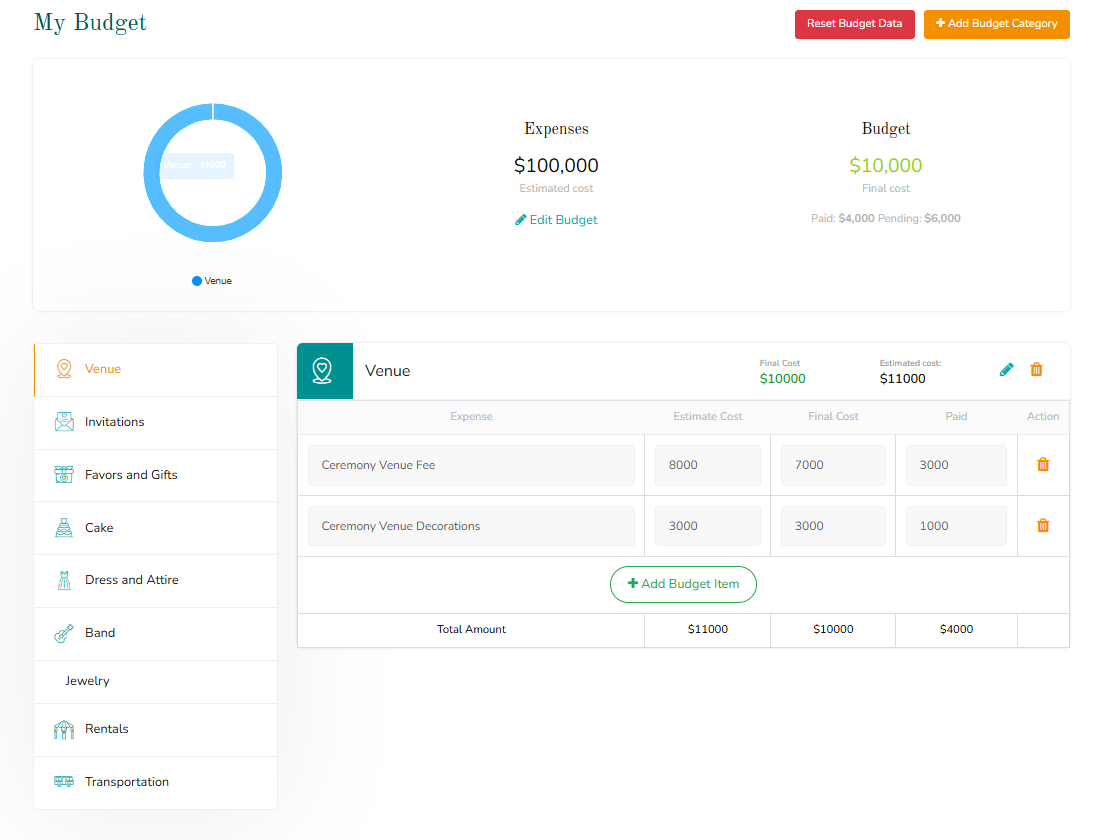
Keep your spending under control
Set your total budget and WeddNPlan splits it across every category — venue, catering, photography, dress, and more — based on real Lebanese wedding pricing.
- Auto-suggested budget breakdown by category
- Track what's paid vs. what's still owed
- Adjust any category and see your total update instantly
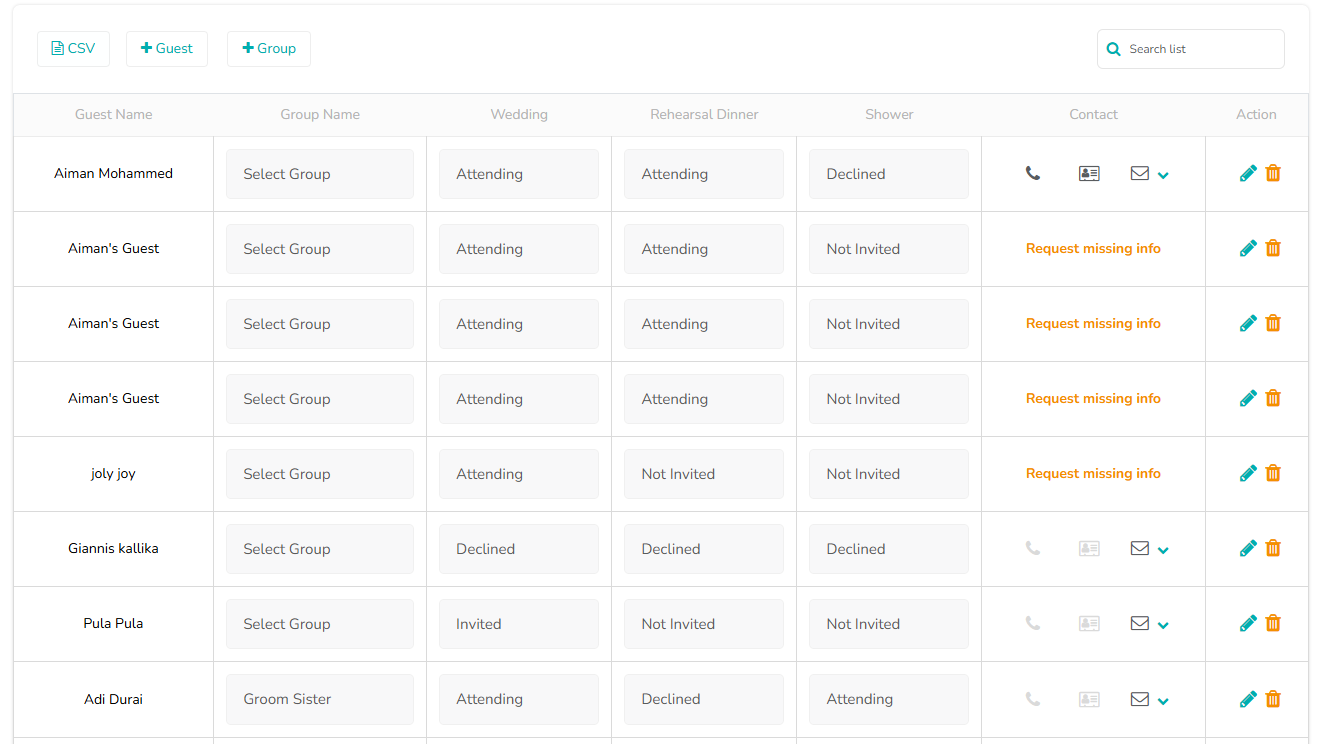
Every guest, organized in one place
Build your guest list once and use it everywhere — invites, RSVPs, seating, and headcounts all stay in sync automatically.
- Add, group, and tag guests by side or category
- See RSVP status and plus-ones at a glance
- Export your final headcount for vendors anytime
Seat everyone without the headache
Drag and drop guests straight from your list into tables, and avoid the classic seating disasters before they happen.
- Drag-and-drop assignment from your guest list
- Flag who should — and shouldn't — sit together
- Visual layout for round, long, or mixed table setups
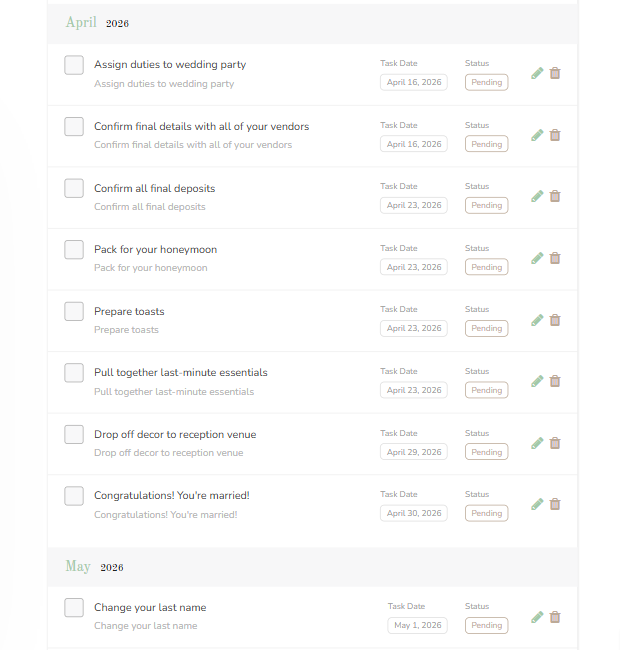
Never miss a wedding deadline
A ready-made checklist tailored to your wedding date, so you always know what needs attention next.
- Default tasks based on your wedding timeline
- Add, edit, or remove tasks to fit your plan
- Track what's done and what's coming up
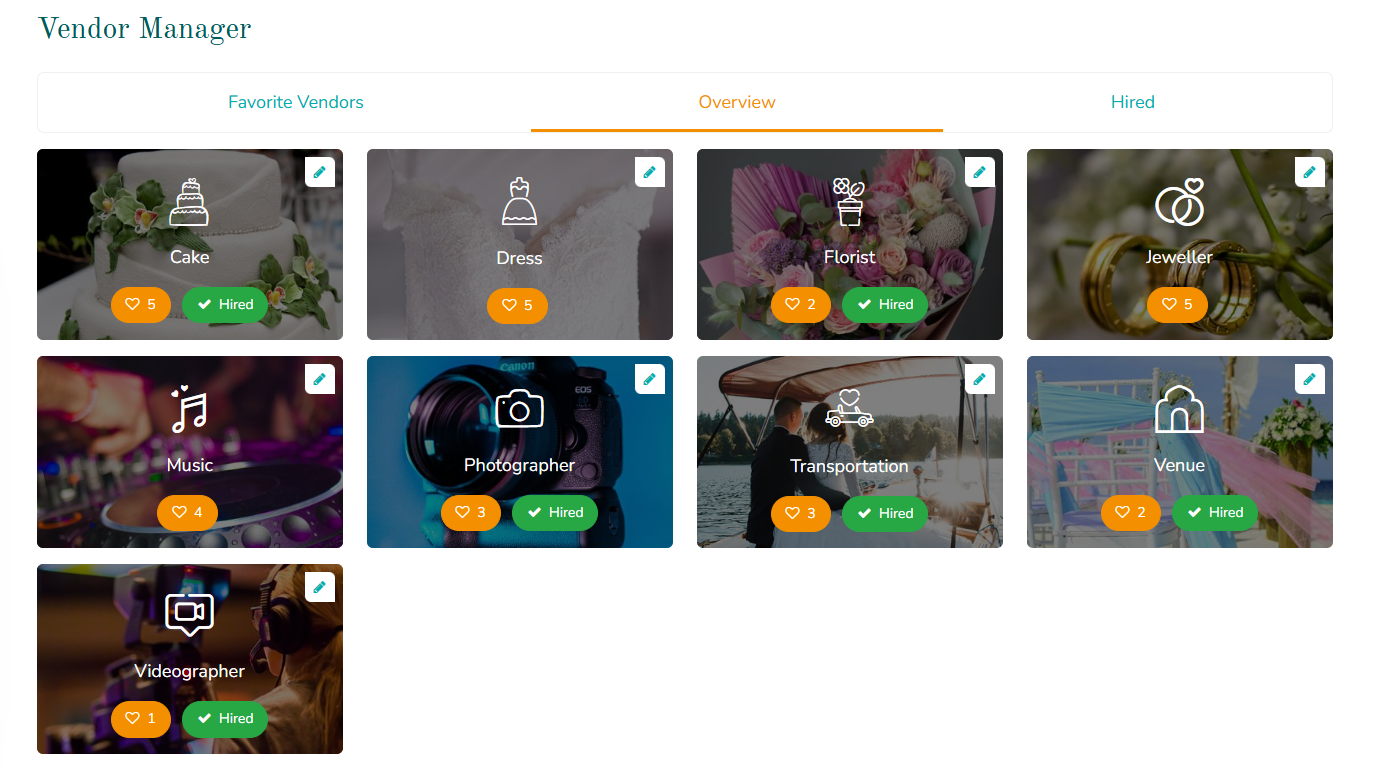
Find and book the right vendors
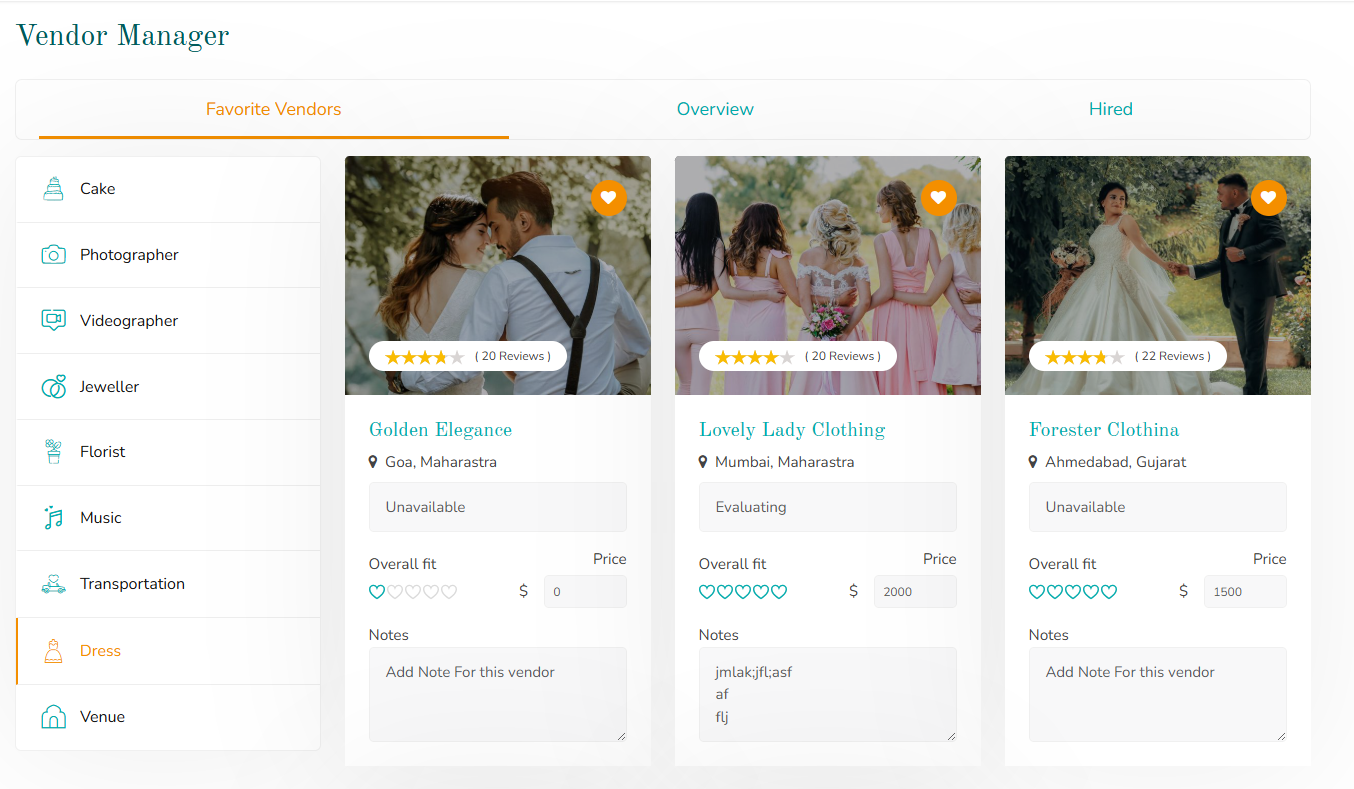
Browse verified Lebanese wedding vendors by category, compare options, and keep notes on who you've contacted — all without losing track in your inbox.
- Photographers, venues, caterers, florists & more
- Save favorites and compare side by side
- Message vendors directly through WeddNPlan
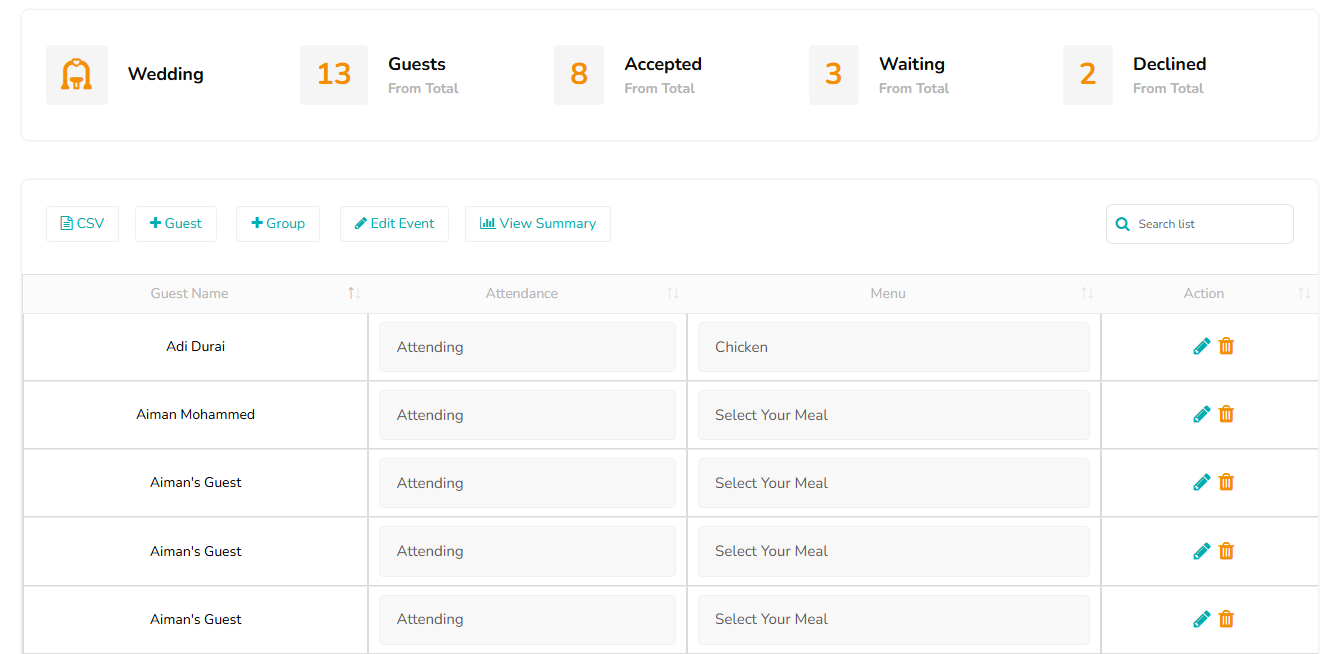
Stop chasing RSVPs over WhatsApp
Guests respond directly through your invite, and their answer updates your guest list and seating chart automatically — no manual entry.
- Online RSVP linked to your guest list
- Collect dietary notes and plus-ones with each response
- See who's confirmed at a glance, in real time
One link with everything guests need
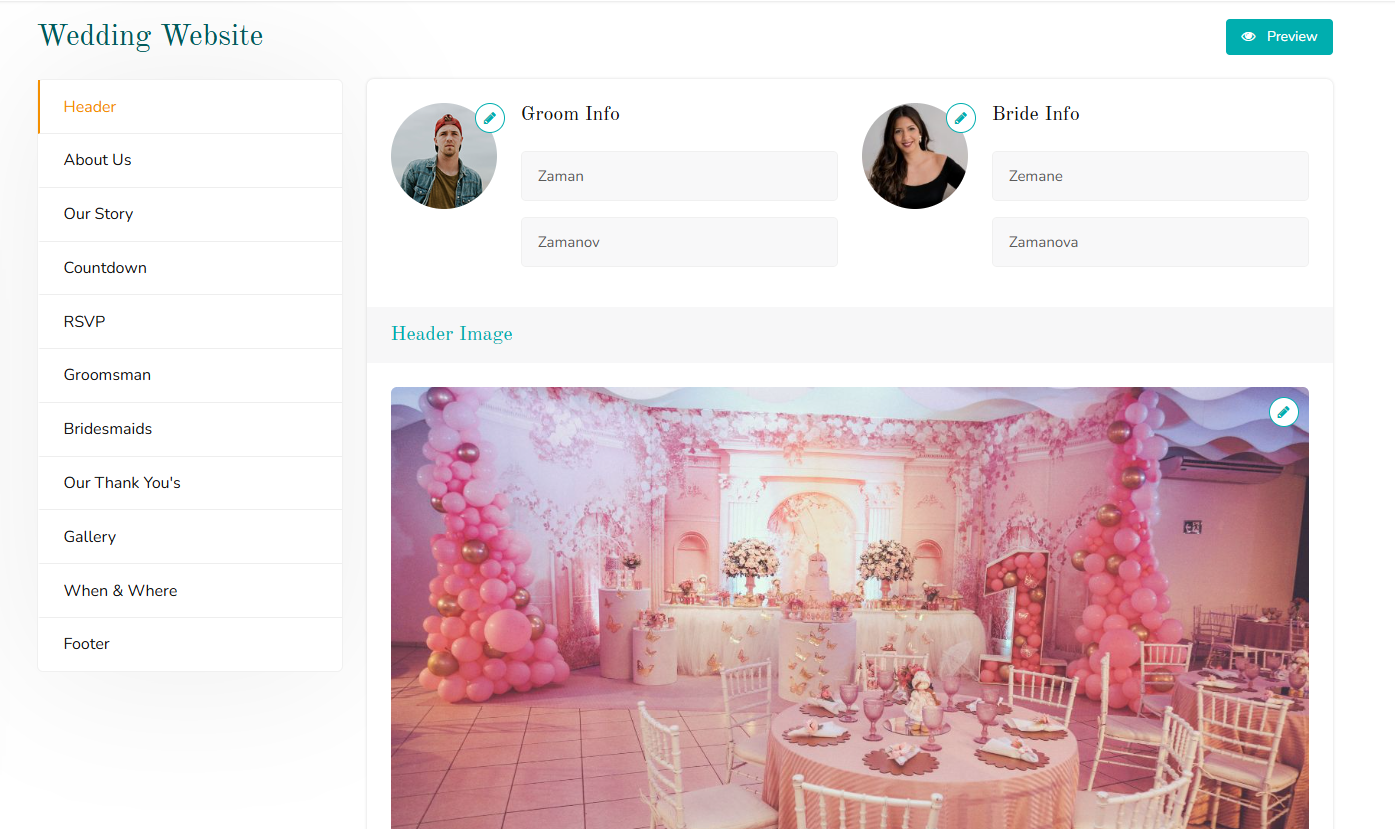
Create a personal wedding website in minutes — share your story, the schedule, location details, and let guests RSVP right from the page.
- Simple setup with your own custom URL
- Add your story, schedule, and venue details
- RSVPs submitted on your site sync straight to your guest list
Your whole wedding, one screen
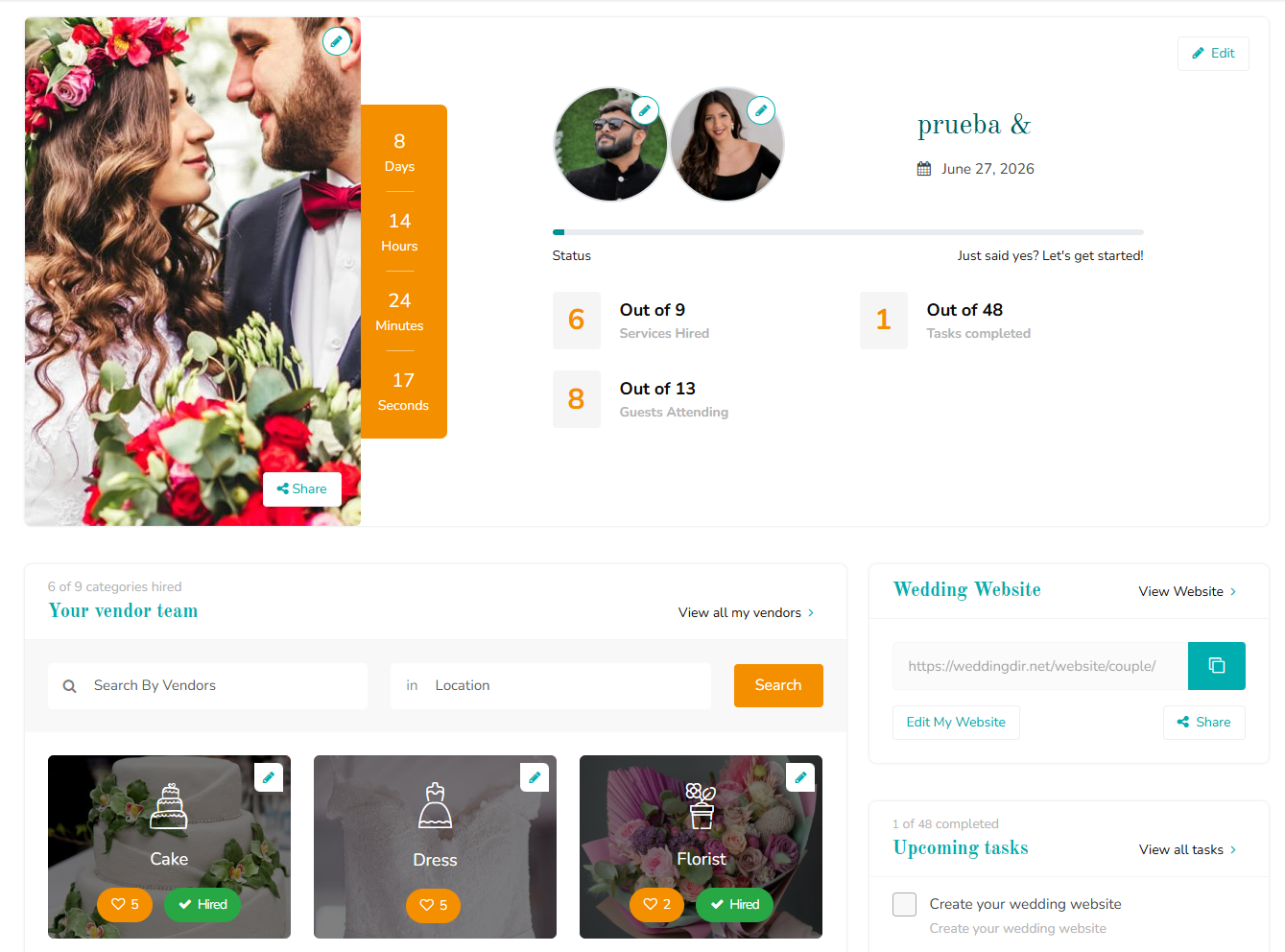
Budget, guest list, checklist progress, and vendor messages all show up in a single dashboard — so you and your partner always know where things stand.
- Live snapshot of budget, guests, and tasks
- Shared access for both partners, always in sync
- Quick links into every tool from one home screen
Let guests know what you'd love
Build a wish list and share it on your Couple Website, so family and friends know exactly what to get without the back-and-forth.
- Add items from any store or link
- Mark items as reserved so gifts don't repeat
- Share directly through your Couple Website
Wedding planning tools, answered
Are WeddNPlan's planning tools free?
Yes. The Budget Calculator, Guest List, Seating Chart, Checklist, Vendor Manager, RSVP tracking, Couple Website, Couple Dashboard, and Wish List are all free to use.
Do I need to create an account to use the tools?
You can browse vendors and explore the tools without an account. Saving your budget, guest list, and seating chart requires a free WeddNPlan profile.
How does the Budget Calculator work?
Enter your total wedding budget and WeddNPlan suggests a category-by-category breakdown based on typical Lebanese wedding costs. You can adjust any category to match your priorities.
Can guests RSVP online?
Yes. Guests can RSVP directly through your invite, and their response automatically updates your guest list and seating chart — no manual tracking needed.
Are the vendors on WeddNPlan verified?
Vendors listed in our directory submit their own profiles, photos, and credentials, which our team reviews before the listing goes live.
Can I create a wedding website with WeddNPlan?
Yes. You can build a Couple Website with your own URL, add your story and wedding details, and collect RSVPs directly through it — synced with your guest list.
What is the Couple Dashboard?
It's a single home screen that pulls together your budget, guest list, checklist progress, and vendor activity, so both partners can see where planning stands at a glance.
How does the Wish List work?
Add items from any store or link, share the list through your Couple Website, and guests can mark items as reserved so gifts don't get duplicated.
Start planning your wedding today
Pick a tool and get going — no setup, no spreadsheets.